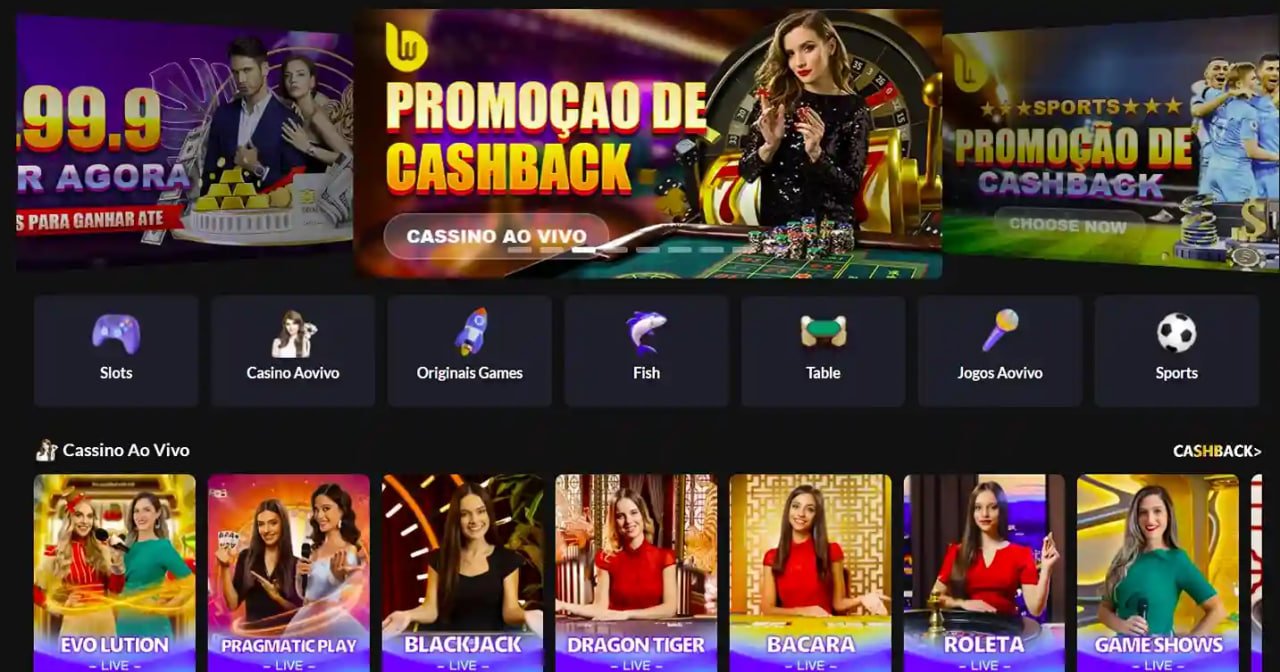
Play on bdok93 anytime, anywhere. Fast loading, an intuitive interface, and full Bengali navigation — that's what makes our app stand out.
The bdok93 app is available on both Android and iOS
The bdok93 app runs smoothly on any smartphone with Android 6.0 or above. Download the APK file directly and install it in just a few seconds.
The bdok93 iOS app is fully optimized for iPhone and iPad users. It runs seamlessly on any device running iOS 13 or above.
Mobile internet usage in Bangladesh grows every day. People now rely on their phones more than desktops for everything from online shopping to entertainment. With that reality in mind, bdok93 has built a full-featured mobile app designed to meet the specific needs of Bangladeshi users.
Many betting apps are slow or crash repeatedly. When building the bdok93 app, we made performance our top priority. The app runs smoothly even on a weak data connection. No screen freezes or loading spinners during live betting — that's one of the biggest advantages of the bdok93 app.
Logging into the bdok93 app takes just a few seconds. Android users can sign in with a fingerprint, and iOS users with Face ID. No need to type your password every time.
The app's interface is fully designed in Bengali. Menus, buttons, and notifications — everything appears in Bengali. For users who are not comfortable with English, this makes a real difference. bdok93 believes language should never be a barrier to entertainment.
The app lets you play multiple games at the same time. Keep slots running while checking a live cricket score, or review your balance mid-bingo round. Multi-section navigation works seamlessly in the bdok93 app, just like multi-tab browsing.
The bdok93 app integrates directly with Mobile Banking, Nagad, and Rocket for seamless payments. Deposit without leaving the app and watch your balance update in real time. Withdrawal requests are typically processed within 5 to 15 minutes.
To download the bdok93 app, please register first. Only registered members will receive the download link.
| Latest version | 4.2.1 |
| Android | 6.0+ |
| IOS | 13.0+ |
| Language | Bangla, English |
| Size (Android) | 38 MB |
| Size (iOS) | 42 MB |
| Update | Per month |
| Rating | ⭐ 4.7/5 |

Get the bdok93 app on your phone in just four easy steps
Start by registering on bdok93. The process is simple — just enter your mobile number and password.
Go to your phone's Settings > Security > Unknown Sources and enable the option. This is required to install the APK.
Log in to your account and download the APK file directly from the app download page.
Once downloaded, open the file, tap Install, and the app will be ready in seconds.
Create an account on bdok93. The same account works for both Android and iOS.
Go to the bdok93 site in Safari on your iPhone or iPad and navigate to the iOS app section.
Tap the Share button in Safari and select "Add to Home Screen" — the app icon will be added to your home screen.
Open the app from your home screen, log in, and start enjoying the full bdok93 experience.
What sets the bdok93 app apart
Loads fast on low data, smooth even on low-end phones.
Get instant notifications for new offers, match kick-offs, and winning updates.
Eye-friendly dark theme support for late-night sessions.
View game history and scores even when your connection is weak.
Fast, secure login with fingerprint and Face ID.
Match scores and odds update in real time.
Pay via Mobile Banking, Nagad, and Rocket directly from the app.
Get support via live chat without ever leaving the app.

Requirements to run the bdok93 app
| Subject | Description |
|---|---|
| Operating system | Android 6.0 Marshmallow or higher |
| RAM | Minimum 2 GB (3 GB+ recommended) |
| Storage | Minimum 100 MB free space |
| Processor | Quad-core 1.4 GHz or higher |
| Internet | 3G / 4G / WiFi |
| Screen resolution | 720×1280 or higher |
| Subject | Description |
|---|---|
| Operating system | IOS 13.0 or higher |
| Device | IPhone 6s / iPad Air 2 or newer |
| Storage | Minimum 120 MB free space |
| Processor | Apple A9 chip or higher |
| Internet | 3G / 4G / 5G / WiFi |
| Biometric | Touch ID / Face ID support |
The bdok93 app gives you access to the full game library, just like the website. Live cricket, football, and tennis betting, slots, bingo, roulette, poker, and Live Casino — everything is fully supported in the app.
In the app's game lobby, you can see which games are currently the most popular. The trending games list updates in real time, so there's always something new to discover.
Bdok93 regularly adds new games. At least 5 to 10 new slots or table games are added every month. Keep push notifications on to be the first to know when new games launch.
Your personal information and transactions are protected with the highest level of security on the bdok93 app. All data is transferred using 256-bit SSL encryption — the same standard used by banking systems.
You can enable Two-Factor Authentication (2FA) for your login. With 2FA active, no one can access your account even if they know your password.
Bdok93 conducts regular security audits and automatically activates account protection the moment any suspicious login activity is detected.
Frequently asked questions about the bdok93 app